
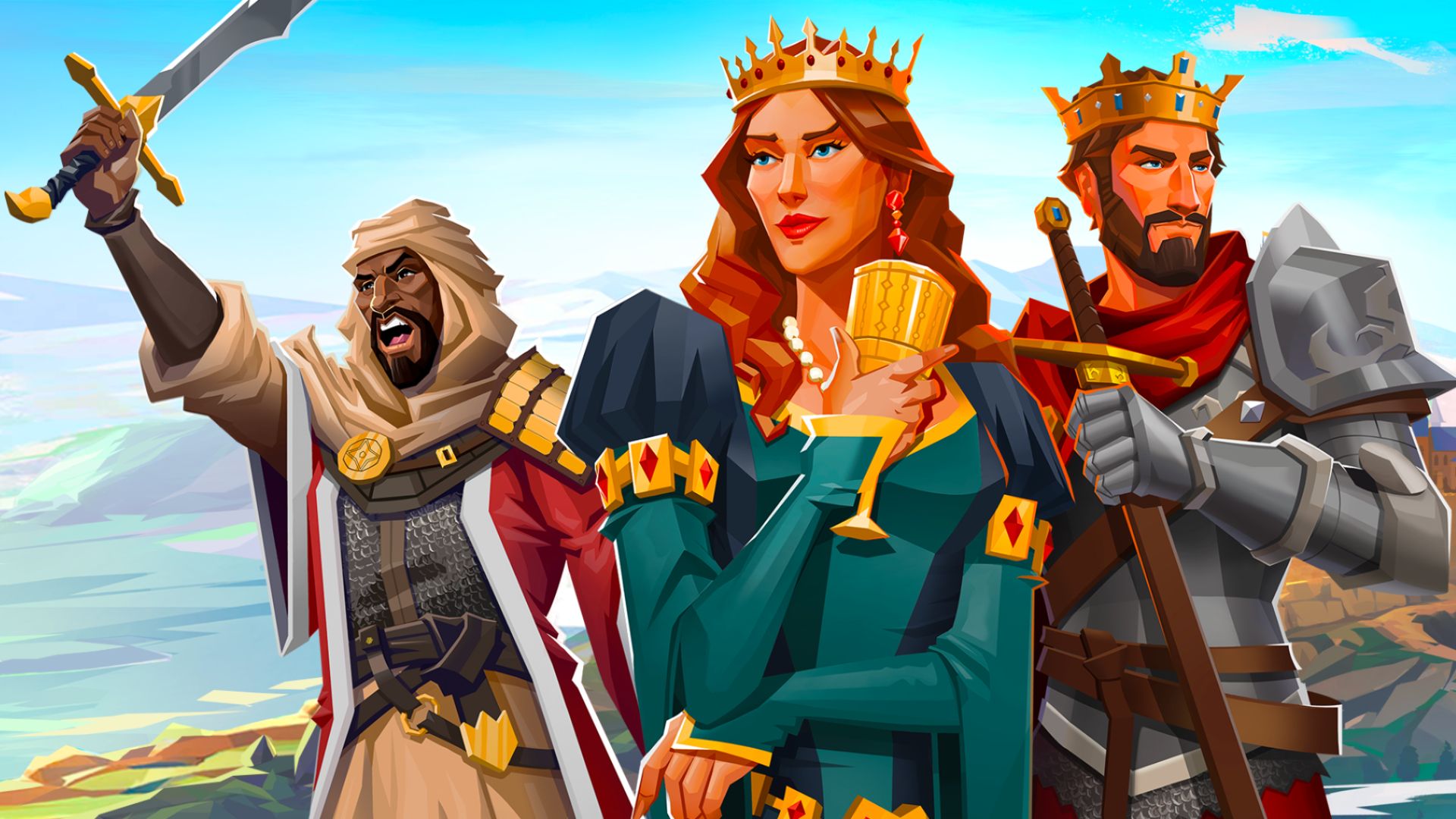
After many, many, many months of work, and assistance from some awesome playtesters, TeamKM is proud to announce that Kingdommaker is now available to play on desktop, in the browser!
How do I play?
No install required, just head on over to kingdommaker.com/play on any Windows, Mac, or Linux machine with a modern browser.
Connecting an existing account
- Click Login
- Scan the QR code using the phone you already play with, this will connect your account to the web browser.
- The QR code will be replaced with a "Launch Game" button
- You may be asked in the browser to "Link Your Account". Pick from Google Connect, Discord, or entering an Email & Password. Whichever you pick you can use on any browser anywhere to load your city!
Starting a new game or inviting your friends
New players, or those wanting to start a new account, can skip the login and just click play. You will find yourslef in the newest shard with the newest players. You can then connect with Google Connect, Discord, or use an Email & Password to play this account anywhere.
In the browser? Is it any good?
Some quotes from the playtesters:
"holy this is what i thought id get when i got bluestacks lol"
"aight, the game is smooth as s**t, I MISS THIS FEELING XD"
"I did a couple hours of grinding yesterday, and it's hella smooth"
Can I still play on my phone?
Yes, you can play on your phone even after connecting to the browser. In fact, you can play on your phone at the same time you have it open in the browser!
GL, HF, and have a great weekend
TeamKM
.jpg)